
Facelessreels

Instagram workflow

Make your next post with a faceless instagram reels maker

Start with a subject and the point you want viewers to remember. Facelessreels helps you shape a visual Reel concept without putting yourself on camera; you still decide what is accurate and ready to publish.

Review the draft before posting
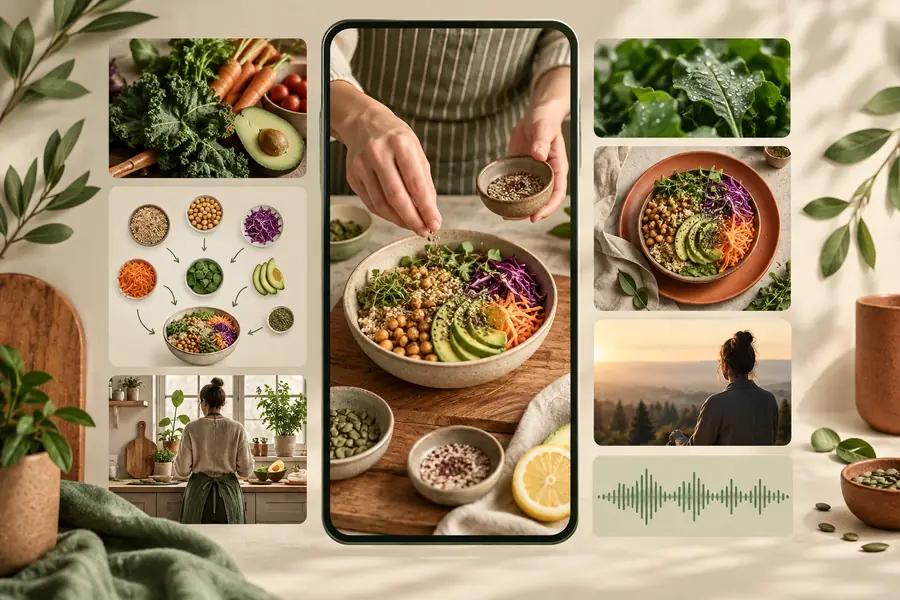
Facelessreels visual example for a short video

the audience's existing pipeline

Most creators already know their niche. The slow part is turning that knowledge into a short, watchable sequence of visuals, words and sound.

Who brings the idea to the edit

A faceless reels workflow can start with notes, a product lesson or a question from your audience. These starting points call for different edits, even when none needs an on-camera presenter.

Solo educator

You have a useful answer in your notes but no time to record a talking-head explanation. Lead with the question, show one idea per visual beat, and reserve the last frame for a practical takeaway.

A draft you can check for accuracy and fit into your existing Instagram series.

free faceless reels for youtube

Small business owner

You want to explain how a service works without asking a customer or employee to appear on camera. Use a process, object or result as the visual subject instead.

An informative Reel concept that does not depend on a filmed spokesperson.

faceless reels online tiktok

Multi-channel creator

You have a longer explanation and need to identify the one point worth making in a Reel. Keep the short version self-contained rather than cutting a random excerpt.

A focused short-form draft that can inform a separate YouTube workflow.

faceless youtube automation

Theme-page editor

You publish a recurring topic and want the next post to feel familiar without repeating the previous script. Change the example or opening question while keeping a recognizable structure.

A fresh draft to review against the rest of your Instagram feed.

faceless tiktok video generator

where we slot in

Bring the idea to Facelessreels after choosing your audience and before the final platform check. The goal is a useful draft, not an automatic publishing decision.

  1. 1

    State one clear point

    Write what the viewer should learn or notice, who the Reel is for, and any facts that must stay exact. A narrow brief gives the visuals and captions a common purpose.

  2. 2

    Build the short sequence

    Turn the point into an opening, a few supporting beats and a closing line. For faceless reels, let the imagery demonstrate or reinforce each line instead of merely filling the screen.

  3. 3

    Review in Instagram context

    Watch the complete draft on a phone. Check caption legibility, visual relevance, sound, claims and whether important words sit away from interface overlays before you post.

before/after

The change is from a loose post idea to a directed visual draft. Treat this pair as a workflow illustration, not a claim that one pictured file was automatically transformed into the other.

Illustration representing the planning stage of an Instagram Reel Topic without a sequence
Illustration representing a planned faceless Instagram Reel Draft with a clear sequence
Before: “Share a plant tip.” After: open with a common mistake, show the cause, then close with one action the viewer can try. The specific visuals, wording and timing still need a human review.

deliverable spec

Judge a faceless instagram reels maker by the draft you can actually inspect, not by whether it promises a finished post. Use this checklist before treating any output as publishable.

It cannot verify your claims

A convincing voiceover or caption can still contain an incorrect fact, an unsupported result or advice that does not apply to your audience.

Workaround

Check names, figures and claims against sources you trust; rewrite anything you cannot substantiate.

It cannot know your visual rights

A faceless format does not remove copyright, privacy or permission concerns for footage, photos, music and recognizable people.

Workaround

Use material you created or have permission to use, and check each asset before publishing.

It cannot guarantee an Instagram-ready fit

Text can be difficult to read on a phone or obscured by the app's controls. An appealing preview is not a substitute for checking the final file.

Workaround

Preview the complete video at phone size and confirm framing, sound and captions in Instagram.

It cannot choose your brand voice

Generic hooks may sound unlike your usual posts, even when the subject and visuals are relevant.

Workaround

Replace stock phrasing with the terms, examples and tone your audience already recognizes.

A draft worth reviewing

Give your next Reel a starting point

Bring one specific idea, describe the intended viewer, and make a draft you can assess scene by scene. Facelessreels helps with the creative starting point; you keep control of the final words, assets and Instagram post.

Create a Reel
  • Start with a single viewer takeaway
  • Review every caption and visual
  • Check the final post on a phone

scenario FAQ

Yes. You can build a Reel around objects, demonstrations, illustrations, text and voice rather than an on-camera presenter. Choose visuals that help explain the point, then review the full draft before posting.

Include the topic, intended viewer and one takeaway. Add the tone you want and any facts that must appear exactly as written. A specific example gives you more to assess than a request for a general viral Reel.

Do not assume that creating a draft also publishes it. Review the file, caption and any platform settings yourself before posting. This gives you a chance to catch framing or wording that looked fine during drafting.

Use short lines and leave room around text so Instagram's interface does not cover essential words. Watch the complete video at phone size, including the opening and final frame. If a line takes too long to read, shorten it or give it more screen time.

You can reuse the underlying idea, but check each platform's framing, caption placement and audience expectations. A different opening or ending may make the post clearer in its new context. Keep permission and music-use checks in the workflow too.

Start creating
Start creating