Facelessreels

YouTube short-form

Create free faceless reels for youtube

Free faceless reels for youtube turn an idea, script, or visual theme into a repeatable short-form publishing workflow without requiring an on-camera presenter.

Free to start · no signup
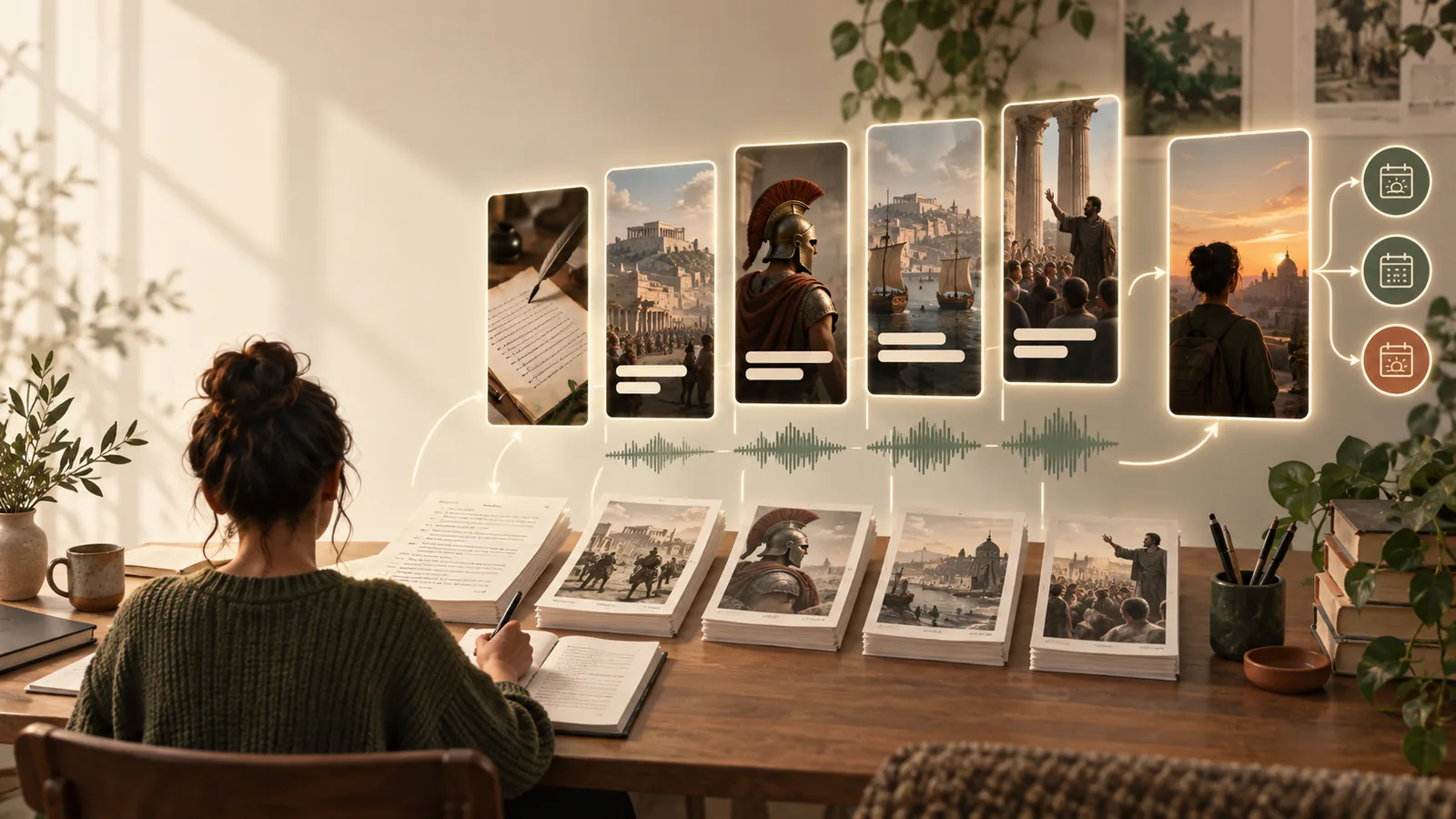
Abstract cinematic visual for creating short-form videos

Related routes

Why this route fits YouTube

Choose the workflow that matches your publishing goal, from channel systems to platform-specific video creation.

Set expectations

What this route cannot do

A useful workflow still has boundaries. Knowing them early helps you avoid weak uploads and unnecessary rework.

It cannot guarantee views

A polished short may still receive limited reach because recommendations depend on topic demand, retention, timing, and audience fit.

Workaround

Test several hooks around the same idea and review retention before committing to a larger series.
It cannot replace editorial judgment

Automatic scripts and visuals can miss context, flatten nuance, or introduce claims that need checking before publication.

Workaround

Verify names, dates, quotations, and statistics against reliable sources before recording or exporting.

It cannot make every topic feel visual

Abstract subjects can become repetitive when the same stock-like scenes, zooms, and captions are reused.

Workaround

Use diagrams, maps, object close-ups, screen captures, or a stronger recurring visual motif.

It cannot solve channel consistency by itself

One generated video does not establish a recognizable voice, thumbnail pattern, or publishing rhythm.

Workaround

Define a short style guide for narration, typography, color, pacing, and recurring series labels.

Simple workflow

From idea to upload

Use a compact production loop that keeps the creative decision in your hands while reducing repetitive assembly work.

  1. 1

    Choose one clear promise

    Start with a single question, surprising fact, practical tip, or story beat that can be understood quickly on a phone.

  2. 2

    Build the vertical cut

    Combine a tight script with readable captions, supporting visuals, voiceover or music, and scene changes that follow the narration.

  3. 3

    Check before publishing

    Watch without sound, confirm the first seconds make sense, inspect captions, and export a clean version for YouTube.

Channel fit

A short for YouTube versus a general vertical clip

The same canvas can serve several platforms, but YouTube benefits from a clearer promise and a stronger connection between the opening and the payoff.

YouTube-focused short
General vertical clip

Opening

YouTube-focused short

States the topic or promise quickly so viewers know why to keep watching.

General vertical clip

May rely more heavily on a trend, sound, or visual pattern.

Narrative shape

YouTube-focused short

Uses a compact setup, development, and payoff that feels complete.

General vertical clip

Can prioritize a loop, reaction, or isolated moment.

Captions

YouTube-focused short

Keep key terms and context visible for silent mobile viewing.

General vertical clip

May use fewer words when the visual or audio carries the message.

Topic selection

YouTube-focused short

Rewards searchable, series-friendly subjects with a clear audience.

General vertical clip

Can be driven more by immediate novelty or trend momentum.

Branding

YouTube-focused short

Benefits from recurring formats, voice, colors, and series cues.

General vertical clip

May vary more from post to post without hurting the concept.

End frame

YouTube-focused short

Can point toward another related short or reinforce the channel theme.

General vertical clip

Often ends immediately after the main beat or punchline.

Visual check

Before and after the YouTube workflow

A loose idea becomes easier to publish when the opening, supporting imagery, and final takeaway are designed as one short.

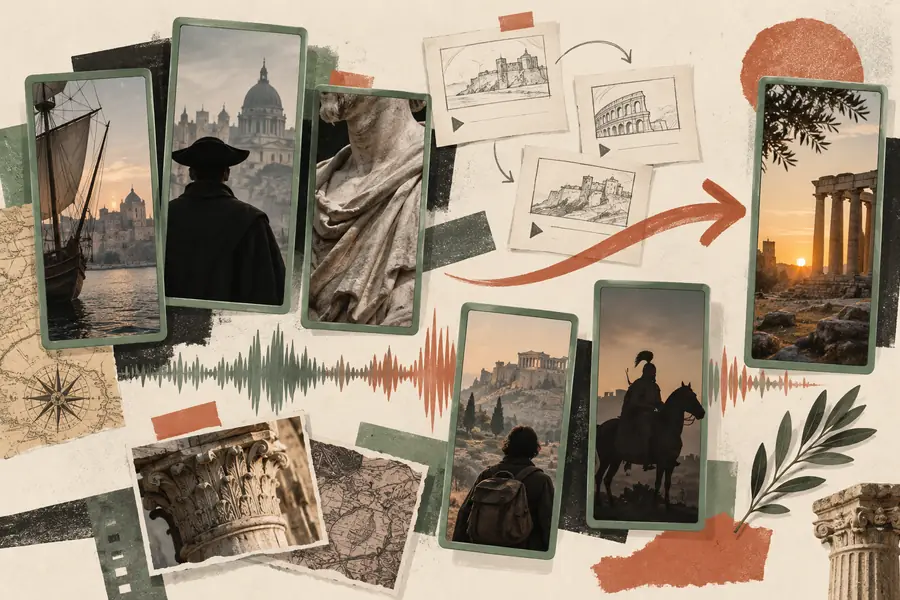
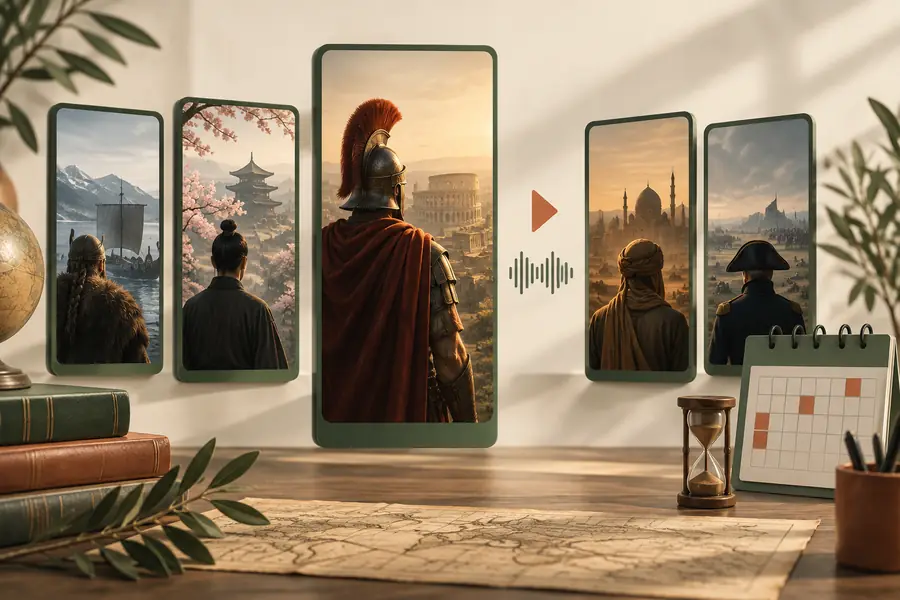
Unstructured concept for a YouTube short Loose concept
Structured faceless YouTube short with a clear visual sequence Publishable short
The improvement is structure, not a promise of performance.

Useful constraints

The numbers that shape a short

These practical limits help keep a YouTube short focused, legible, and easy to review before it reaches your channel.

Vertical frame suited to mobile viewing
9:16
A workable starting length for one focused idea
30 sec
Hook, development, and payoff in a compact narrative
3 beats
One clear promise per short
1 idea

Channel scenarios

Where this workflow helps

Different creators can use the same production logic while changing the subject, voice, and visual language.

History channel

Turn a documented event into a short sequence of dates, places, and consequences.

A repeatable explainer format that can become a themed series.

faceless youtube automation

Study channel

Break a concept into one definition, one example, and one memorable recap.

Short lessons that are easier to batch and organize by topic.

faceless youtube shorts generator

Motivation channel

Pair a concise reflection with atmospheric footage, captions, and a restrained narration style.

Consistent inspirational posts without appearing on camera.

faceless instagram reels maker

Trend researcher

Test several hooks around a timely question while keeping the same visual template.

Faster creative comparison without rebuilding every element from scratch.

faceless tiktok video generator

Cross-platform creator

Start with a YouTube-ready narrative, then adjust pacing and captions for another vertical feed.

One core idea with deliberate platform-specific edits.

faceless reels online tiktok

Ready to draft

Turn one YouTube idea into a short

Bring a focused topic and let the workflow handle the repetitive starting point. Review every claim and visual, then shape the final cut around your channel voice.

Create a YouTube short
  • Start with one clear idea
  • Review captions and claims
  • Keep the format consistent

Variant FAQ

Questions about free faceless reels for youtube

They are short vertical videos designed for YouTube that use narration, captions, footage, graphics, or generated visuals instead of an on-camera presenter. The creator still chooses the topic, reviews the result, and controls what gets published.

Yes. A short can rely on voiceover, text-led storytelling, screen recordings, illustrations, stock-style scenes, or close-ups of objects and environments. Choose visuals that support the script rather than simply filling every second.

They can be enough to test a format, develop a publishing habit, and learn which topics hold attention. As the channel grows, you may still want to refine narration, source original visuals, improve sound, and verify every factual claim.

Start with one clear promise, move through a small number of visual beats, and end with a useful takeaway or satisfying conclusion. Readable captions, a strong opening, and careful audio checks matter more than adding effects.

It can be adapted, but a direct repost is not always ideal. Review the opening, caption density, duration, safe areas, and call to action for each platform before exporting a separate version.

Start creating
Start creating