Facelessreels

Practical video guide

How to make faceless reels without filming yourself

To learn how to make faceless reels, begin with one point worth sharing, then match a short script to visuals that do not show your face. This guide takes you from an idea to a vertical draft and shows what to check before sharing it.

Review the result before sharing
Facelessreels video creation preview

prerequisites

You need a focused topic, a few usable visual ideas, and words a viewer can understand with the sound off. These related guides can help you choose a starting point.

prerequisites

Choose a format you can support with visuals you made, have permission to use, or are allowed to reuse. The best format is one you can repeat without relying on footage you do not own.

First-time creator

You have a useful tip but have never edited a short video. Write a hook, two supporting points, and a closing takeaway before looking for imagery.

A small script gives each shot a job and makes your first draft easier to assess.

faceless reels tutorial for beginners

Instagram educator

You want to demonstrate a process without appearing on screen. Capture your hands, a screen recording, or close-ups of the result.

The viewer sees the steps while captions keep the explanation accessible when muted.

how to create faceless reels on instagram

Idea-led storyteller

You have a short fact or anecdote but no footage. Break it into a question, a reveal, and a final implication before selecting illustrations.

The story determines the images rather than a collection of unrelated clips determining the story.

faceless reels ideas

Product demonstrator

You can film an object, workspace, or screen but prefer to remain off camera. Record the change the product makes, not just a static beauty shot.

A visible before-and-after gives the narration something specific to explain.

faceless reels examples

numbered steps

Build one complete draft before polishing individual transitions. These three passes keep the message, pictures, and final review separate.

  1. 1

    Write the spoken story

    Put the main benefit or question in the opening line. Follow it with only the points needed to deliver that promise, then end with a useful conclusion. Read the script aloud: if a sentence is hard to say in one breath, shorten it. For faceless reels, the words must carry the idea even when nobody is talking to camera.

  2. 2

    Match every line to a visual

    Use your own close-ups, screen recordings, licensed clips, illustrations, or generated scenes that accurately support the script. Arrange them in vertical framing and change the image when the idea changes, not merely because a timer expires. Add a voiceover if it helps, but make captions readable enough for someone watching silently.

  3. 3

    Review and export the draft

    Watch once with sound, then once muted. Check that captions agree with the narration, important subjects are not cropped, and no borrowed image or audio lacks appropriate permission. Leave room around captions for platform controls. Export a vertical video, then watch the exported file rather than trusting the editing preview.

numbered steps

You can assemble the same story in different ways. Choose based on the material you can verify and the amount of control you need.

Your own footage and editing
Prompt-assisted draft

Starting material

Your own footage and editing

Your recordings, photos, or screen captures.

Prompt-assisted draft

A written topic, script, and visual directions.

Best fit

Your own footage and editing

A real demonstration, original setting, or specific object.

Prompt-assisted draft

An illustrated explanation or a quick structure to revise.

Visual control

Your own footage and editing

You choose and inspect each source shot.

Prompt-assisted draft

You may need to replace scenes that miss the point.

Accuracy check

Your own footage and editing

Confirm what the recording actually shows.

Prompt-assisted draft

Verify claims and any depicted details against your sources.

Captions

Your own footage and editing

Write and time them in your editor.

Prompt-assisted draft

Inspect generated wording, timing, and line breaks.

Permissions

Your own footage and editing

Check rights for music and any footage you did not shoot.

Prompt-assisted draft

Check rights for added assets and the output's intended use.

common errors and fixes

A reel can be technically complete and still fail to communicate. Fix the first point where a viewer might lose the thread.

The visuals cannot prove a claim

Atmospheric footage may look appealing but does not make an unsupported fact true. A generated scene is an illustration, not evidence that an event happened.

Workaround

Verify factual statements separately and label illustrative scenes clearly when viewers could mistake them for documentation.

Captions cannot rescue a crowded script

If too many words appear at once, viewers must choose between reading and watching. Shrinking the text makes the problem worse on a phone.

Workaround

Cut secondary points, split long sentences into shorter caption lines, and watch the draft at phone size.

A draft cannot grant asset rights

Finding a clip, image, voice, or song online does not establish permission to include it in your reel.

Workaround

Use material you created or assets whose terms permit your intended use, and keep a record of the source.

One export cannot guarantee every platform's layout

App controls and preview crops can cover text placed close to an edge, even when the video looks fine in an editor.

Workaround

Keep essential text away from the edges and inspect the draft in the destination app before sharing.

advanced tips

Once the basic sequence works, improve the connection between the opening promise and what appears on screen. Make each visual answer the question raised by the preceding line.

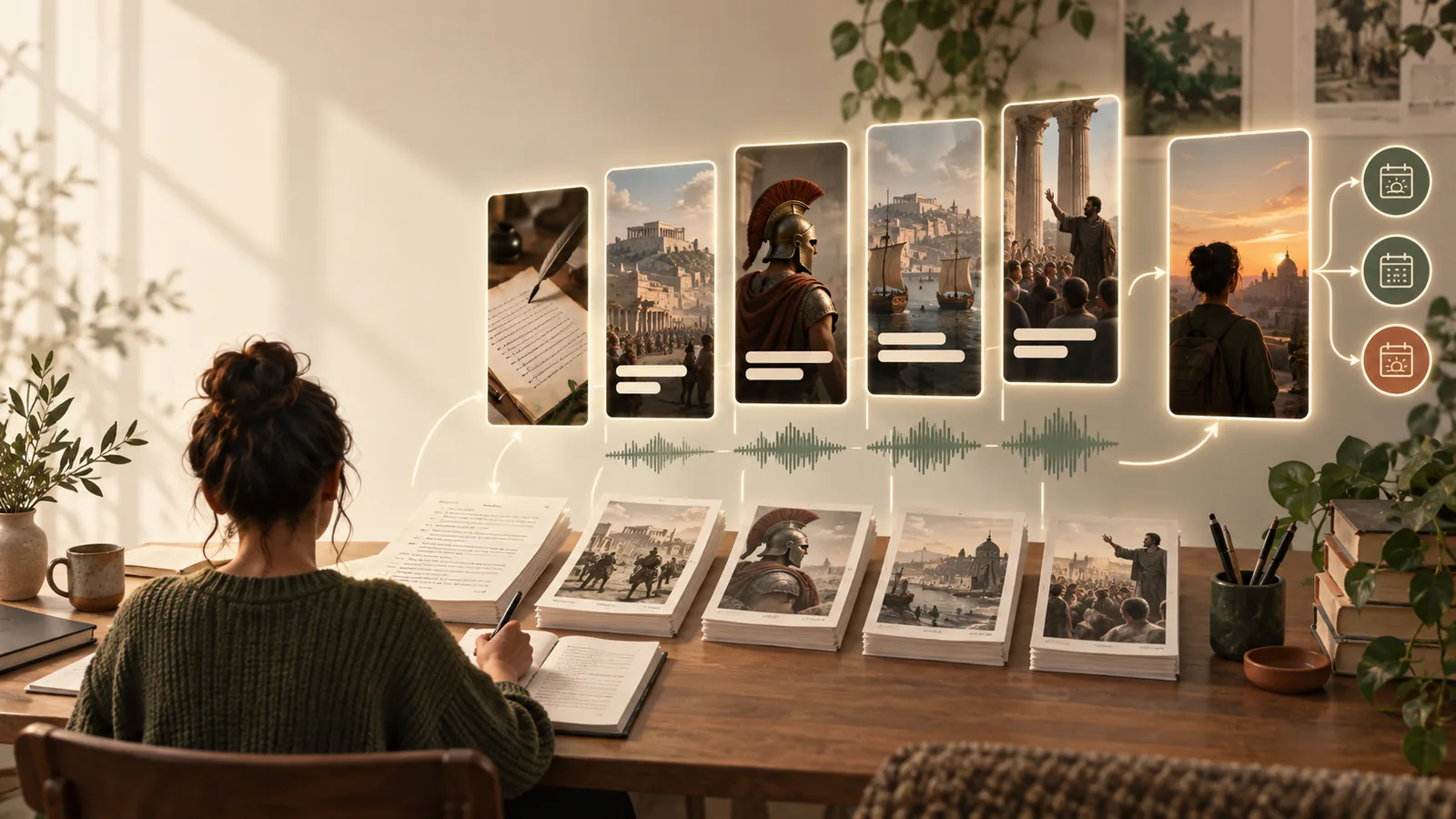
Illustrative reference for planning a faceless reel Plan the message
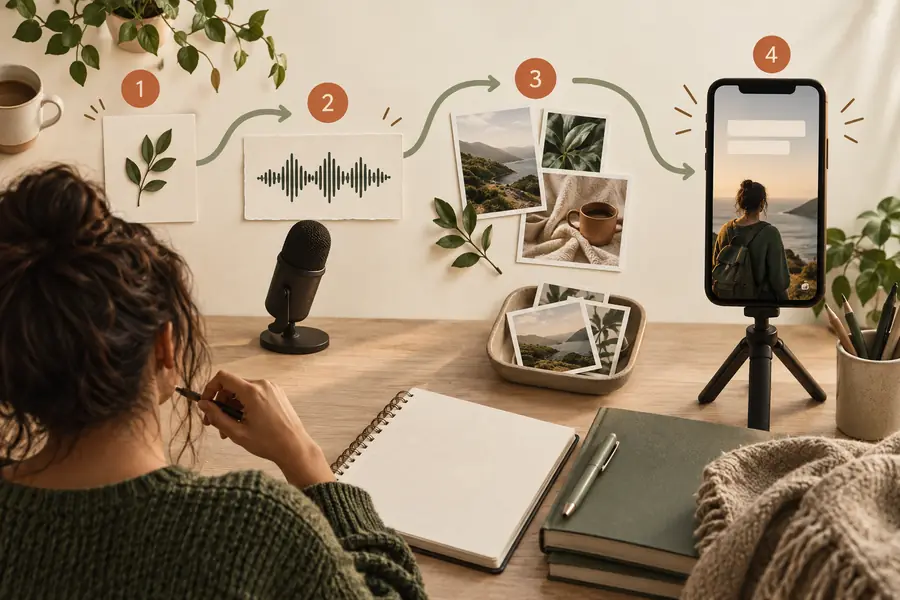
Illustrative reference for a finished faceless reel style Show the result
These are style references, not a documented transformation of one file. For your own before-and-after reel, use images of the same subject and explain what changed.

advanced tips

Turn a clear script into a draft

Ready to try the workflow? Give Facelessreels your topic, the audience, the key points, and the kinds of visuals you want. Treat the result as a draft: check every claim, caption, source asset, and crop before you share it.

Create my reel
  • Lead with one promise
  • Give each scene a purpose
  • Review with sound off

tutorial FAQ

Start with one narrow topic, a short script, and visuals you have permission to use. You can film hands or objects, record a screen, or use suitable illustrations. An on-camera presenter is not required.

Yes. Clear on-screen text can carry a simple story, especially when the visuals demonstrate each point. Watch the result without sound to check that a viewer can follow it; if you add music, confirm you can use it.

Write the script first and assign a visual purpose to each line. Prefer a recording, close-up, or illustration that shows the specific action or idea being discussed. Avoid unrelated filler footage that makes the reel look busy without helping the explanation.

Watch the exported file on a phone with sound on and off. Check the opening, caption legibility, factual claims, asset permissions, and whether text stays clear of interface controls. If the main point is hard to understand on the first viewing, revise the script before adding effects.

Start creating
Start creating