An idea cannot verify a claim
A plausible script may still contain outdated advice, invented details, or an oversimplified explanation.
Workaround
Check factual statements against reliable sources and keep claims within your own expertise.
Creative starting points
A good idea fits what you know, what your audience asks, and the visuals you can make without appearing on camera. Use these formats to turn a familiar topic into a short video.
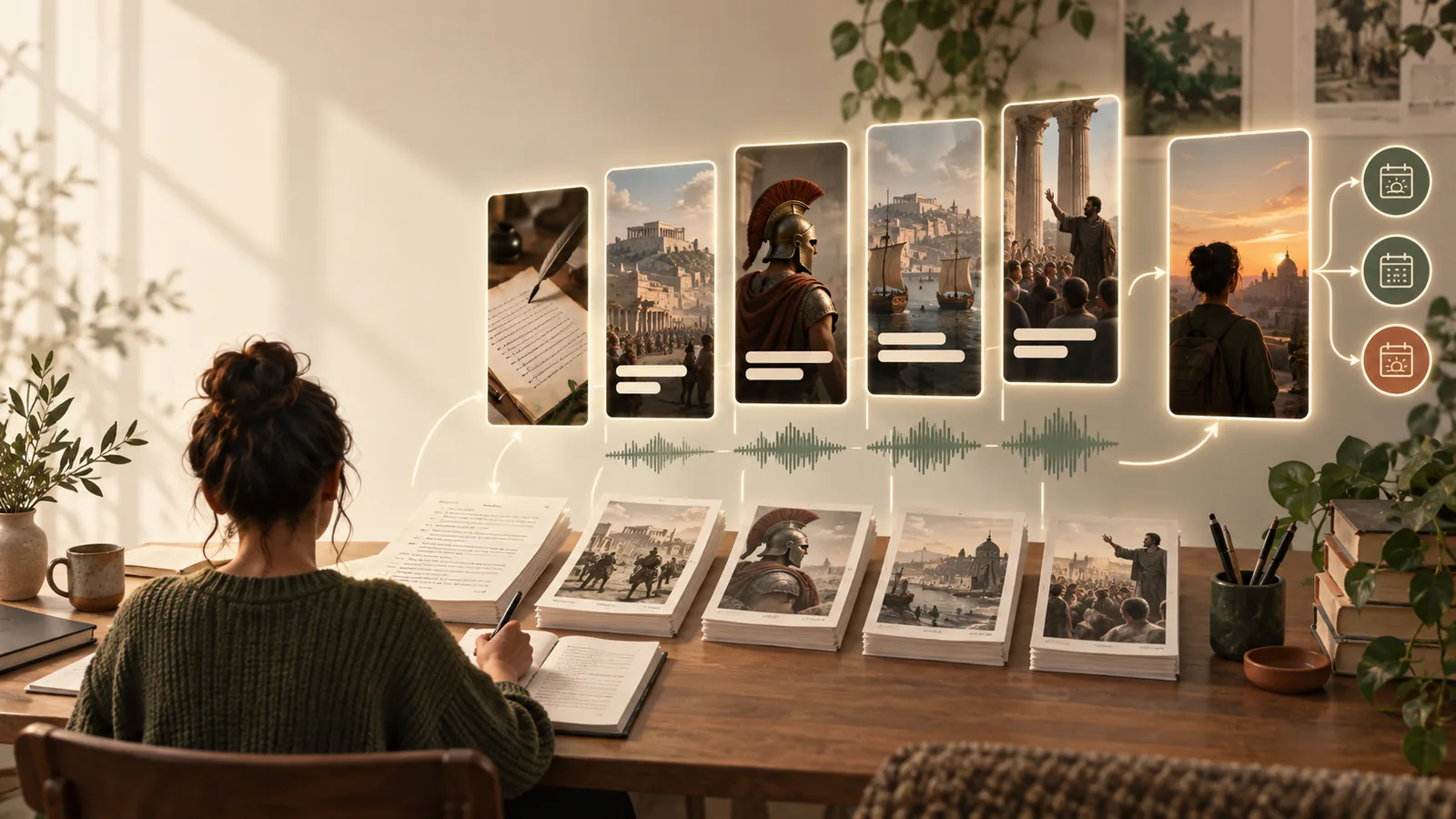
Most creators already have raw material: questions in comments, notes from their work, and topics they explain repeatedly. The challenge is turning one useful answer into a visual story.
An idea is a starting point, not a finished post. These limits help you choose concepts you can make accurately and responsibly.
A plausible script may still contain outdated advice, invented details, or an oversimplified explanation.
Workaround
Check factual statements against reliable sources and keep claims within your own expertise.
Suggestions for clips, music, screenshots, or quotations do not mean those assets are cleared for reuse.
Workaround
Use footage and audio you created or are permitted to publish.
A strong hook will not rescue a video whose middle repeats the same point or fails to answer its opening question.
Workaround
Make the payoff specific, then remove any scene that does not help deliver it.
Facelessreels helps bridge the gap between a topic and a workable brief. Bring the subject and the audience question; use the suggested structure as a draft to refine.
Start with a question you can answer in a few sentences, such as why a plant's leaves turn yellow. Narrow questions produce clearer ideas than broad themes such as gardening.
Try a hands-only demonstration for a physical task, annotated screen recording for an app, or simple text and illustrations for a concept. Choose visuals you can produce consistently.
Decide what viewers should understand or do by the end. Then draft an opening that sets up that specific answer rather than promising more than the video delivers.
The same subject becomes easier to produce when the brief names the viewer's question, the visible action, and the takeaway.
Subject
Loose topic
Houseplant care
Production-ready concept
What to check first when a pothos has yellow leaves
Audience question
Loose topic
People want plant tips
Production-ready concept
Is the potting mix wet before the next watering?
Opening
Loose topic
Here are some plant tips
Production-ready concept
Yellow leaves? Check the soil before adding more water.
Visual plan
Loose topic
Find plant footage
Production-ready concept
Show a leaf, test the soil with a finger, then show the pot's drainage holes
Narration
Loose topic
Talk about watering
Production-ready concept
Explain what the soil check can reveal without claiming it diagnoses every cause
Ending
Loose topic
Follow for more
Production-ready concept
Give the viewer one next check to make and note when to seek more specific advice
Useful faceless reels ideas end as small production briefs, not just topic lists. Each brief should identify an audience question, a truthful hook, a visual sequence, and a clear takeaway.
Turn one recurring student question into a narrated explanation with labeled sketches instead of a talking-head lesson.
Leave with a hook, three visual beats, and one takeaway to check for accuracy before recording. Compare the structure with faceless reels examples to see how the parts fit together.
faceless reels examplesTest whether a subject can support several distinct questions, rather than stretching one answer into many near-identical posts.
Draft a short series with a different viewer problem in each installment. Use faceless youtube channel ideas when deciding whether the subject has enough range for a longer-running channel.
faceless youtube channel ideasShow a small repair or craft technique through close-ups, on-screen labels, and an optional voiceover.
Plan exactly which actions need to be visible, then reuse the same opening, demonstration, and recap pattern. Faceless reels templates can help keep that pattern consistent.
faceless reels templatesEnter a specific topic and ask for a hook, visual beats, narration outline, and takeaway. Treat the result as an editable plan: verify its claims, choose media you can use, and make the final video sound like you.
Generate video ideasStart with something you can explain clearly using materials you already have: a screen recording, a hands-only demonstration, or labeled images you made. One question with one useful answer is easier to script and film than a broad topic.
Collect questions from your own audience, work, or learning process, then answer them in your own words. You can study a format for its pacing, but develop your own examples, script, and visuals rather than reproducing someone else's post.
Yes. Clear on-screen text, readable labels, and visuals that show the answer can carry a short video, provided viewers have enough time to read each point. Check the draft with the sound off to see whether the sequence still makes sense.
Ask whether you can name its intended viewer, the question it answers, and the images needed to explain it. If the answer depends on footage you cannot obtain or a claim you cannot verify, narrow or replace the idea before production.
A recurring format can make production easier, but the visuals should suit the answer. A software tip may need a screen recording, while a physical task may need close-up footage; keep the structure familiar without forcing every subject into the same shots.