Browser video workflow
Make faceless reels online free, without a camera
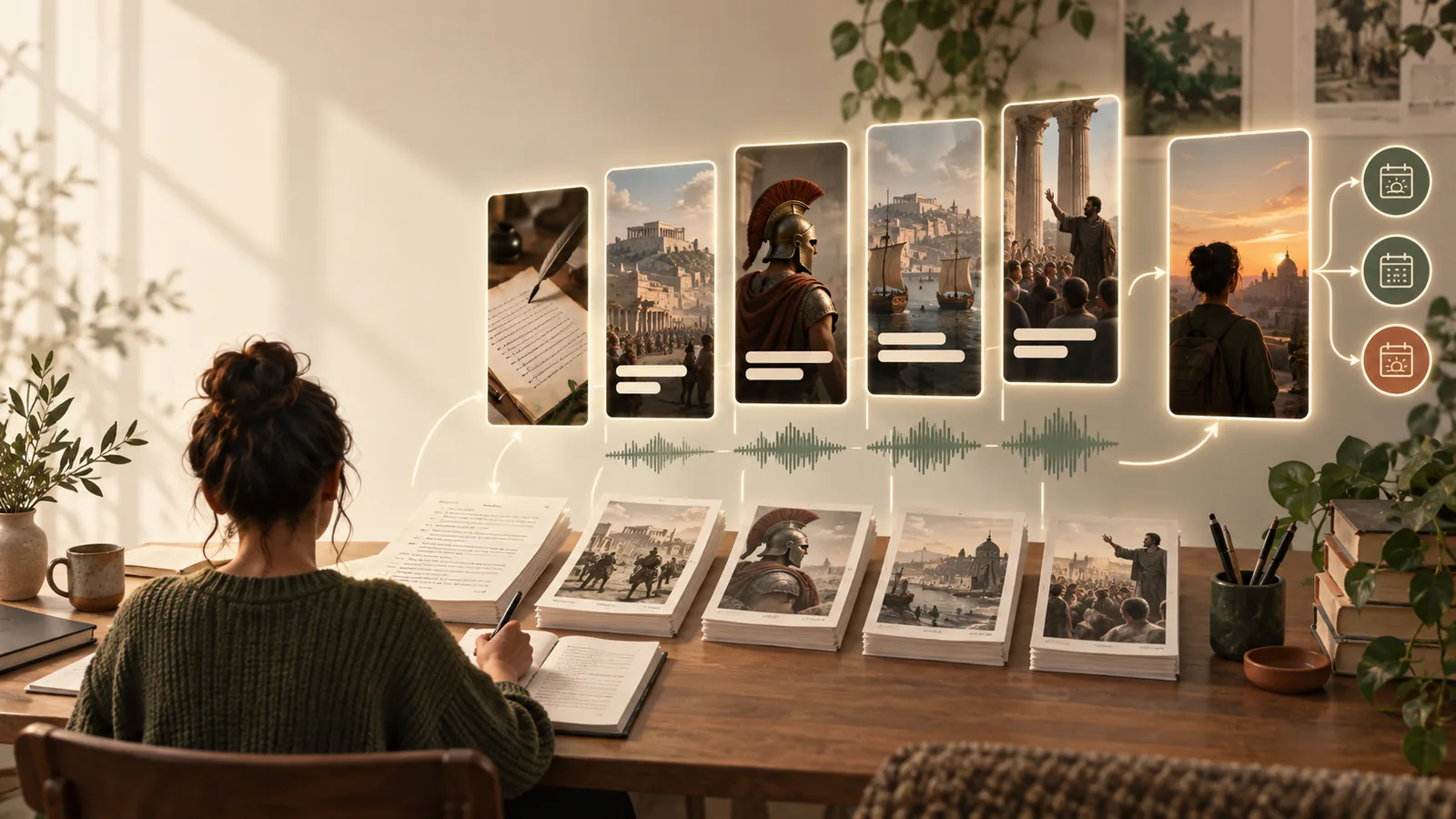
Faceless reels online free are easier to plan when the script, visual direction, narration, and captions start in one focused workflow. Describe the idea you want to publish, then refine the result before sending it into production.
Keep exploring
Related ways to build faceless reels
How it works
From a rough idea to a usable reel brief
The online process works best when each stage has one clear job. You can move from concept to review without needing to appear on camera.
-
1
Describe the angle
Start with a topic, audience, tone, and intended platform. A focused prompt gives the visual and writing direction something concrete to follow.
-
2
Shape the sequence
Review the suggested hook, scene order, narration, and caption rhythm. Keep the strongest idea and remove details that make the reel feel crowded.
-
3
Prepare the handoff
Turn the approved concept into a production brief with shot notes, voiceover guidance, on-screen text, and a clear next action.
Limits and edges
A browser workflow is a starting point, not the whole studio
The difference between a useful draft and a publishable reel is usually review time. Use the online tool for direction and structure, then check the details yourself.
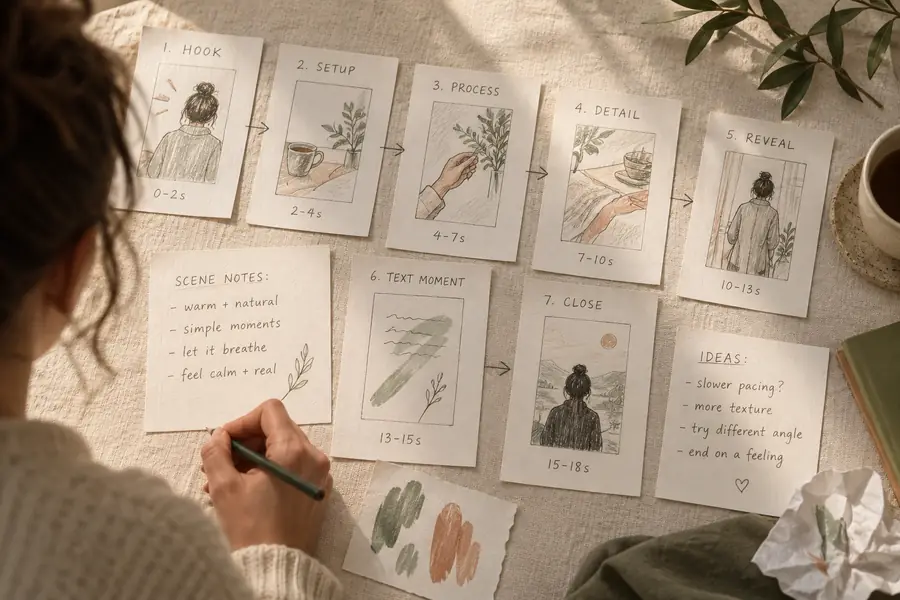 Starting concept
 Reviewed direction
Choose the right surface
Online workflow or hands-on editing?
Both approaches can support faceless reels. The better choice depends on whether you need speed at the idea stage or detailed control over every frame.
- Online concept workflow
- Manual editing workflow
Best starting point
Online concept workflow
Turning a topic into a script, scene plan, and caption direction
Manual editing workflow
Editing footage, graphics, audio, and timing from an existing asset set
Camera required
Online concept workflow
No on-camera recording is needed for the concept
Manual editing workflow
No camera is required, but assets still need to be sourced or created
Creative input
Online concept workflow
Prompt, audience, tone, pacing, and visual references
Manual editing workflow
Timeline edits, keyframes, transitions, layers, and audio controls
Revision style
Online concept workflow
Rewrite the brief or adjust the direction before production
Manual editing workflow
Change individual clips, words, effects, and timings directly
Visual consistency
Online concept workflow
Set a style guide in the brief and review each suggested scene
Manual editing workflow
Apply fonts, colors, templates, and treatments directly across the timeline
Final quality check
Online concept workflow
You still need to inspect claims, captions, audio, and rights
Manual editing workflow
You control the final sequence but remain responsible for the same checks
Useful for
Online concept workflow
Fast testing of ideas and repeatable content planning
Manual editing workflow
Precise finishing when the story and assets are already defined
Start with one idea
Turn your next topic into a reel direction
Give the workflow a specific subject, audience, and mood instead of a vague request. You will get a clearer foundation for faceless reels and a more useful handoff to your editing process.
Create a reel concept- No camera-facing performance required
- Useful for scripts, scenes, narration, and captions
- Review every visual, claim, and usage right before publishing
Questions answered
FAQ about faceless reels online free
You can begin planning a faceless reel in a browser without recording yourself on camera. Free access may vary by tool and workflow, so check what is included before relying on export, voice, media, or download features.
A topic, a clear audience, and a simple creative direction are enough for a first draft. Add the desired tone, approximate length, visual style, and call to action when you want a more specific result.
It can help organize a script, scene plan, narration direction, and captions, but the exact output depends on the tool and the information you provide. Always review timing, pronunciation, factual claims, media rights, and platform specifications before publishing.
You can start without advanced editing skills because the first stage is mainly about describing and shaping the idea. Basic editing knowledge still helps when you need to correct captions, adjust pacing, replace visuals, or prepare the final file.
They can be planned for short-form platforms when you define the intended channel early. Treat dimensions, duration, music rules, captions, and export settings as platform-specific checks rather than assuming one version fits every destination.