Facelessreels

Clean video workflow

Create free faceless reels without watermark

Start with a script or scene idea, then check the finished video for branded overlays before you post it. A clean preview is not a guarantee of a clean export, so always inspect the downloaded file.

Check export terms before posting
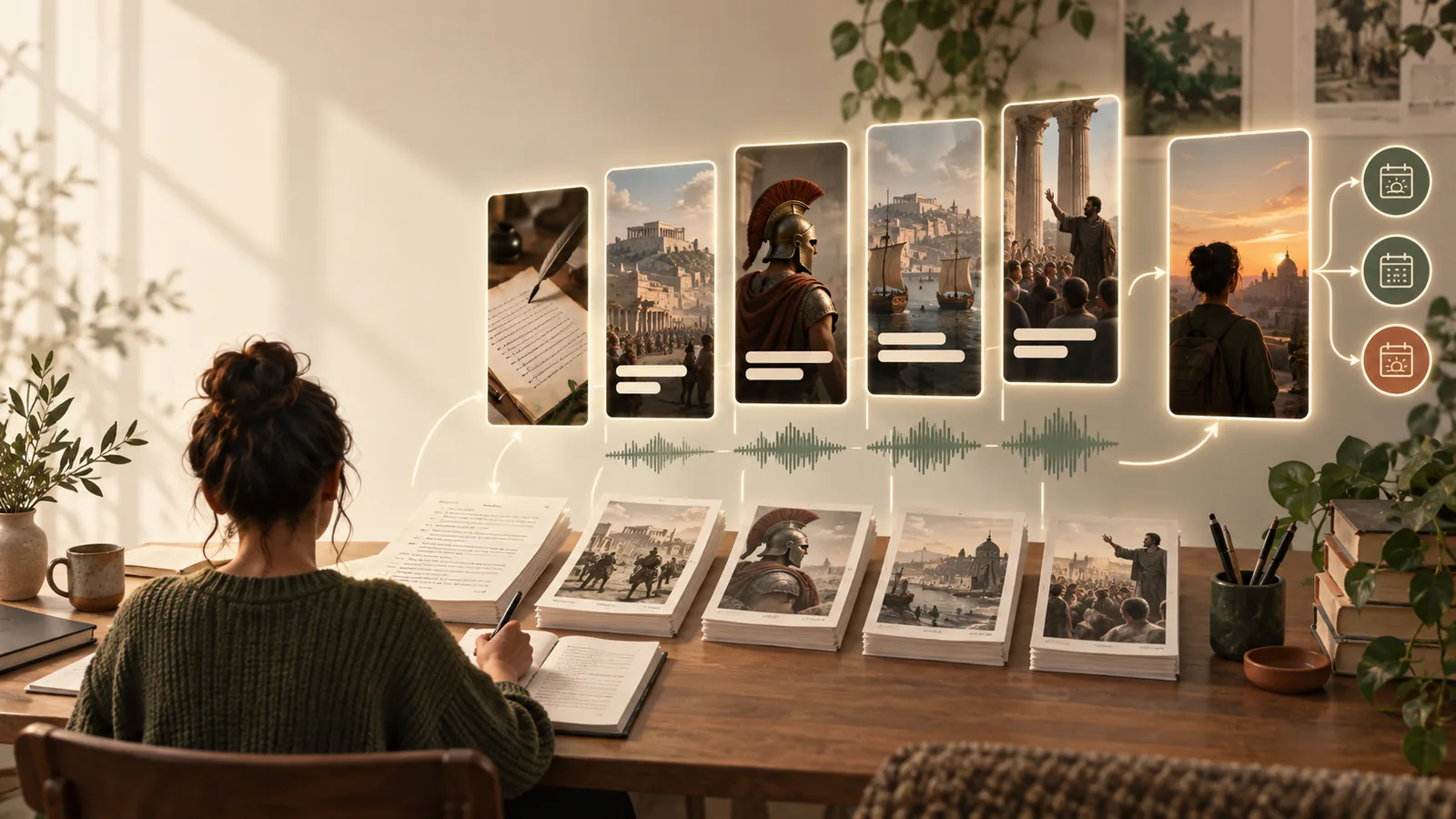
Facelessreels landing visual showing a faceless video concept

Choose your route

A clean export starts with the right checks

The key question is whether the downloaded file—not just the editor preview—has a logo or other imposed mark. These related guides cover access, browser-based creation, and reusable layouts.

Know the edges

What a watermark-free route cannot promise

Free faceless reels without watermark still need an export check. A tool may change its terms, and an unmarked preview does not establish what you may publish.

No universal export guarantee

A preview can look clean while a downloaded video contains a logo, end card, or other imposed mark. Export behavior may also vary by format or feature.

Workaround

Download a short test video and watch the saved file from beginning to end before making a full reel.

No automatic rights clearance

Removing a watermark does not give you permission to use someone else's footage, music, photos, or voice. A clean-looking reel can still contain restricted material.

Workaround

Use material you made or have permission to publish, and check the terms for every asset you add.

No fix for marks inside source footage

A logo already embedded in a clip is part of that clip, not an export overlay. A reel maker cannot reliably distinguish an unwanted mark from intentional scene content.

Workaround

Replace the source clip with an unmarked, properly licensed alternative rather than hiding the mark.

Practical workflow

Build, export, and inspect the reel

Use three checks to separate the creative work from the question of whether the final file is clean.

  1. 1

    Write for a faceless format

    Give the reel one topic, a short opening hook, and a clear ending. Specify visuals that do not require an on-camera presenter, such as demonstrations, close-ups, illustrations, or text-led scenes.

  2. 2

    Review the edit

    Check that captions remain readable on a phone and do not cover the subject. Listen for awkward narration, inspect transitions, and confirm that every image, clip, and sound is yours to use.

  3. 3

    Test the actual download

    Export a short sample first. Open the saved file outside the editor and inspect the opening, middle, and final frame for logos, end cards, or other marks before sharing it.

Where it helps

Three ways creators use a clean-file check

The same export test matters whether you are making one educational post or repeating a format across a series.

First-time creator

You want to test a short explainer without filming yourself and need to understand what is available before you commit to an edit.

Make a small sample, then inspect its downloaded file rather than relying on the preview.

faceless reels free

Browser-based editor

You are assembling captions and visual clips online and want to avoid discovering an export overlay after the reel is finished.

Test an early export so you can change your workflow before building the full video.

faceless reels online free

Series producer

You reuse the same opening, caption style, and closing scene for several videos on one subject.

Check both the template assets and a finished download before repeating the format.

faceless reels templates

Start with a short test reel

Make the idea, then verify the file

Describe your topic and preferred visuals to begin a faceless reel. Before publishing, check the saved video for watermarks and confirm that you have the rights to its footage, music, and other assets.

Create a test reel
  • Use a short script with one clear point
  • Review captions and source material
  • Inspect the downloaded video before posting

Questions about watermark-free faceless reels

That depends on the tool's current export terms and the features used in your video. Make a short test, download it, and inspect the saved file; do not assume that a clean editor preview means the export is unmarked.

Some editors show an unmarked workspace but apply branding during export. Check the beginning and end as well as the main footage, since a branded end card can be easy to miss in the editor.

No. A watermark and permission to use footage are separate issues. Use clips, music, and images you created or are authorized to publish, even when the finished video has no visible mark.

Watch the downloaded file all the way through, including its final frame, and look for logos or added end cards. Then check caption readability, audio, and your rights to each source asset before uploading.

Start creating
Start creating