A slow opening stays slow
A title card designed for another feed may delay the point of the video, even after it is placed in a vertical frame.
Workaround
Move the most specific visual or claim into the opening shot.
TikTok video planning
A reel that looks clear elsewhere may need a different opening and text layout on TikTok. Start with a focused prompt, then review the vertical cut before you post.

The comparison below separates a general reel from a TikTok-focused cut. Explore related channel workflows while choosing where your video will appear.
Changing the destination does not automatically change the storytelling. These are the parts most likely to need a human review.
A title card designed for another feed may delay the point of the video, even after it is placed in a vertical frame.
Workaround
Move the most specific visual or claim into the opening shot.
Captions near the edges may compete with TikTok’s interface or become difficult to read on a phone.
Workaround
Preview the video on a phone and bring essential text toward the center.
Music or clips cleared for one use are not necessarily cleared for a TikTok post.
Workaround
Check the rights for every asset and replace anything you cannot use there.
Use the prompt to plan faceless reels online tiktok, then treat the result as a draft rather than an automatic upload.
Write one topic, one useful takeaway and the intended audience. For example, show renters three ways to make a small desk feel less crowded.
Ask for an opening visual, short scenes and captions that make sense without a presenter’s face. Keep each line concise enough to read.
Watch from the first frame through the ending. Revise unclear visuals, cramped captions or a closing line that does not follow from the video.
Compare the source layout with the intended TikTok layout, then play the finished file on a phone. The images illustrate the review, not a guaranteed conversion.
 Source reel
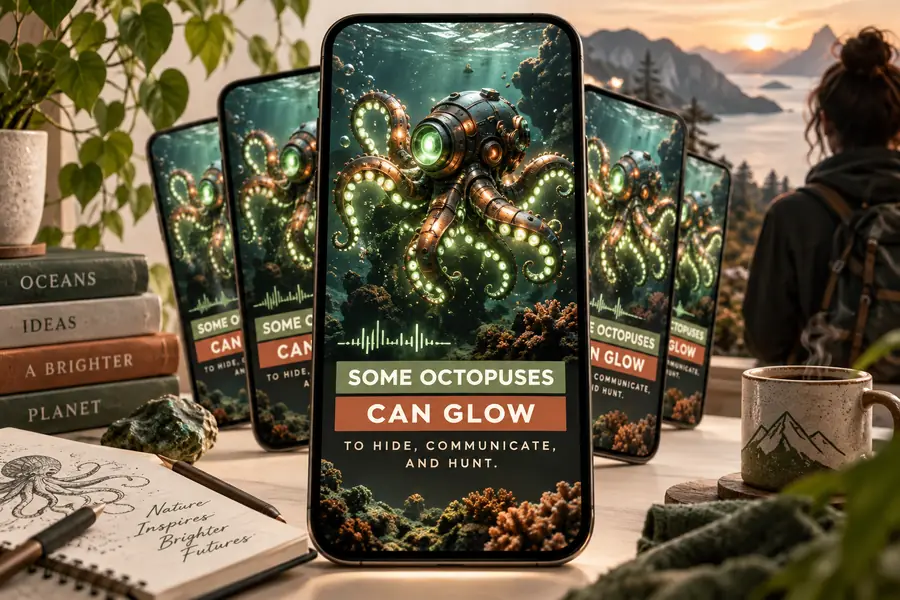 TikTok-focused cut
The same subject can need different pacing and text depending on its destination.
A short explainer must work as part of a larger channel.
Review the hook and ending against the channel’s other short videos.
faceless youtube shorts generatorSeveral faceless videos share a format but cover different topics.
Keep a repeatable outline while checking each script for a distinct takeaway.
faceless youtube automationThe idea starts as a TikTok post rather than a repurposed reel.
Build the opening and caption rhythm for that destination from the start.
faceless tiktok video generatorThis checklist identifies editing decisions, not platform guarantees. Test the finished video in the app before publication.
Opening
General reel
May begin with a series title
TikTok-focused cut
Introduces the specific point immediately
On-screen text
General reel
Follows the source layout
TikTok-focused cut
Is repositioned after an interface check
Scene pacing
General reel
Matches the original edit
TikTok-focused cut
Is reviewed for pauses before each payoff
Narration
General reel
May assume the audience knows the series
TikTok-focused cut
Provides enough context for a new viewer
Sound-off viewing
General reel
May rely on voiceover alone
TikTok-focused cut
Retains the main point in readable captions
Final review
General reel
Checked in the editing preview
TikTok-focused cut
Also checked on a phone before posting
Describe the topic, the audience and the visual opening you want. Review the draft for legibility, accuracy and asset rights before you publish it.
Create TikTok videoYes. You can build a video around illustrations, screen recordings, objects or other visuals instead of a presenter. Make sure the visuals explain the point rather than merely filling the frame.
You can reuse an idea, but review the opening, captions and layout for each destination. Also check that you have the right to use the audio and footage in both posts.
Do not assume it does. Save or export the finished video if that option is available, then check its appearance and your posting options in TikTok itself.
Watch it on a phone with sound off and then with sound on. Check the first frame, caption placement, factual claims and rights to every visual and audio asset.