Facts are not verified
A plausible-sounding script can contain an inaccurate claim or omit an important qualification.
Workaround
Check names, figures, and advice against reliable sources before keeping them in the narration or captions.
TikTok creation
Start with a topic, then build a short video around visuals, captions, and a clear takeaway instead of a talking-head recording. Facelessreels helps you shape the idea; review the result before posting it to TikTok.

A useful draft needs more than anonymous footage: it needs one point, readable text, and an ending that earns its place in the feed.
A generated draft is a starting point, not a promise that every claim, visual, or sound is ready to publish.
A plausible-sounding script can contain an inaccurate claim or omit an important qualification.
Workaround
Check names, figures, and advice against reliable sources before keeping them in the narration or captions.
A suggested clip, image, or song may need permission or a different license for your intended use.
Workaround
Use media you own or are authorized to use, and check music availability in your posting workflow.
No script or edit can ensure reach, retention, or a particular result after publication.
Workaround
Watch how viewers respond to the opening and revise future videos around what they actually finish.
A finished video still needs a final preview, caption, audience setting, and any relevant disclosure.
Workaround
Inspect the exported video in TikTok's posting screen before you publish.
Treat the prompt, the generated sequence, and the final preview as separate passes.
Name the audience, the specific takeaway, and the visual subject. Ask for an opening that shows the point immediately rather than a long introduction.
Pair each short script beat with footage, an illustration, a screen recording, or a text card. Keep captions close to the idea on screen so the story works without showing a face.
Read every caption at phone size, listen to the audio, check the final frame, and confirm that the video still makes sense when watched with sound off.
Use this checklist to turn a loose concept into a TikTok-ready draft. These are editorial targets, not automatic guarantees.
Topic
Loose concept
A broad subject with no single takeaway
Reviewable video draft
One question or claim the video answers
Opening
Loose concept
An introductory title that delays the point
Reviewable video draft
A first beat that states or shows the reason to watch
Visuals
Loose concept
Unrelated background clips
Reviewable video draft
A relevant visual for each script beat
On-screen text
Loose concept
Long paragraphs competing with the image
Reviewable video draft
Short captions checked at phone size
Audio
Loose concept
A track chosen without checking its use
Reviewable video draft
Audio reviewed for clarity and appropriate rights
Ending
Loose concept
An abrupt cut after the last fact
Reviewable video draft
A closing takeaway that completes the idea
Publishing
Loose concept
Assumed ready because a draft exists
Reviewable video draft
Export inspected in TikTok before posting
The useful comparison is not whether a video hides its creator; it is whether each frame helps the viewer follow the idea.
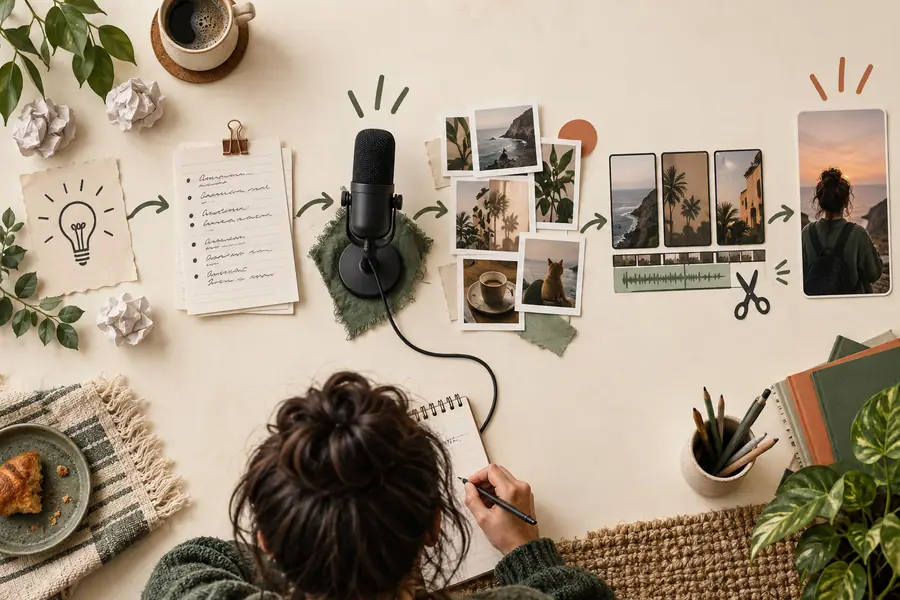 Starting concept
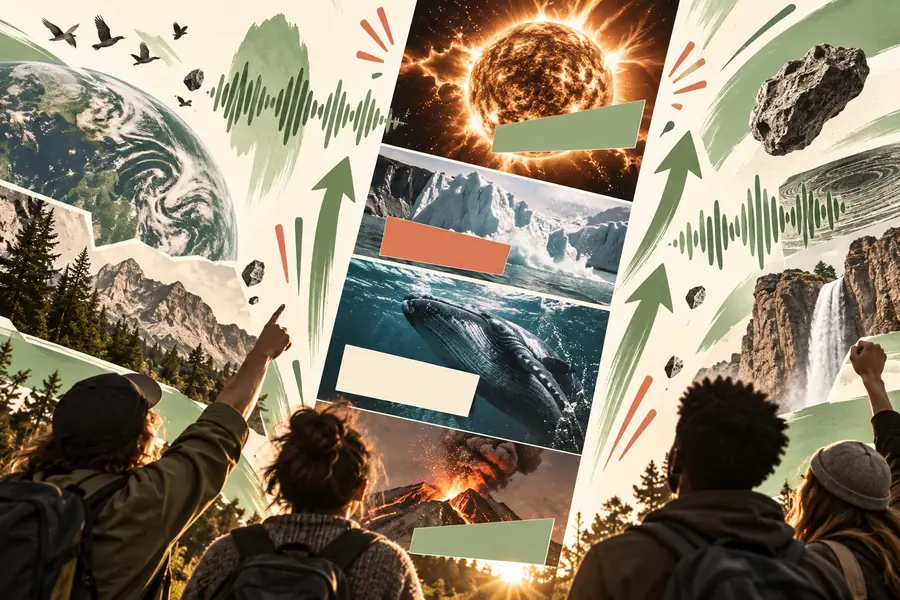 Focused draft
Different creators may start with the same format but need different final checks. Choose the adjustment that fits your subject.
A feature list feels abstract when placed over generic footage.
Replace filler shots with close-ups or screen recordings that demonstrate each point; for another destination, compare free faceless reels for youtube.
free faceless reels for youtubeA useful lesson becomes hard to read when every line appears at once.
Split the explanation into short visual beats and check caption timing; faceless youtube automation covers a different, repeatable production workflow.
faceless youtube automationA calm montage has attractive footage but no clear reason to keep watching.
Add a specific opening question and let the images answer it; faceless instagram reels maker explores adapting that approach for Instagram.
faceless instagram reels makerA screen recording moves faster than viewers can follow.
Slow the important action and label the step before moving on; faceless youtube shorts generator covers a related short-video format.
faceless youtube shorts generatorDescribe the takeaway, audience, and visuals you can actually use. Then check the script, captions, media, and final export rather than treating generation as the last step.
Generate TikTok videoState the topic, who the video is for, and the one thing viewers should take away. Describe visuals you can use and whether you want captions, narration, or both.
Yes. Screen recordings, object close-ups, illustrations, footage, and text cards can carry the story without an on-camera presenter. The video still needs a clear sequence and readable captions.
Not necessarily. A video can use on-screen text, appropriately licensed audio, or narration if that suits the subject. Preview it with sound off so essential information is not lost.
Treat it as a draft. Check factual claims, caption timing, visual relevance, audio rights, and the final frame, then inspect the export in TikTok before publishing.
Make the opening specific and choose visuals that demonstrate what the script says. Remove shots that merely fill time, and end once the promised point is complete.