Facelessreels

YouTube Shorts

Make your next video with a faceless youtube shorts generator

Start with a topic, then shape a short script, visuals, captions, and voiceover into a vertical video. Review the result before importing it into YouTube.

Review before publishing
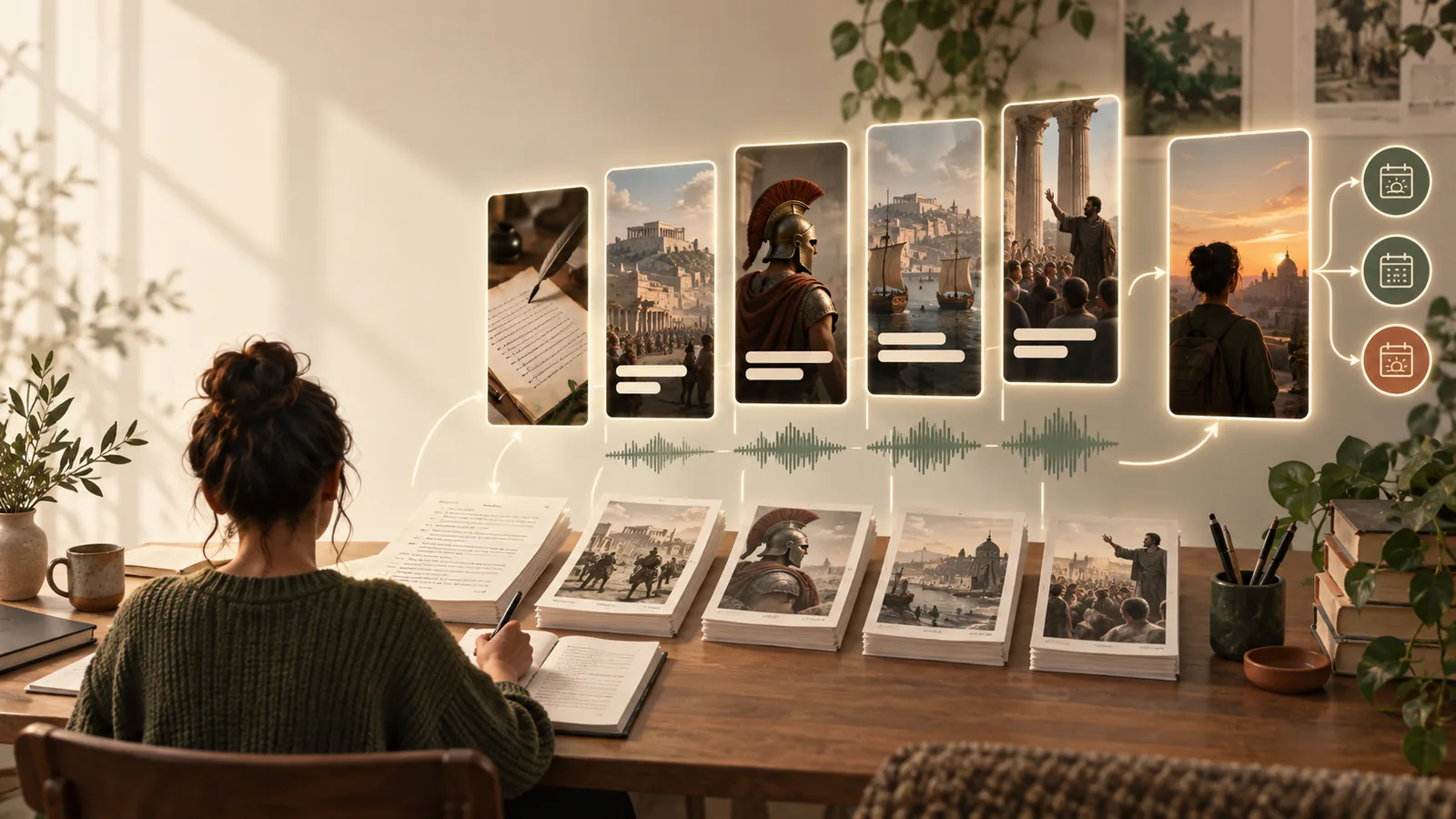
Facelessreels video creation preview

Who needs a Shorts creation tool?

Different publishing routines call for different drafts. Choose a format you can explain clearly without relying on a talking-head clip.

YouTube educators

Turn a single lesson into a visual explanation with a spoken hook and on-screen keywords.

A focused draft that can be checked for accuracy before upload. For format-specific planning, see free faceless reels for youtube.

free faceless reels for youtube

Multi-platform creators

Develop one idea for Shorts, then reconsider its pacing and captions for another feed.

A starting point rather than an identical repost. Compare that workflow with faceless reels online tiktok.

faceless reels online tiktok

Channel planners

Draft several topics before deciding which ones deserve a repeatable series.

A manageable review queue with room for human fact-checking. Explore faceless youtube automation for the broader production process.

faceless youtube automation

Instagram-first creators

Adapt a visual tip for Shorts while keeping the central message intact.

A separate cut whose opening and text placement can be checked for YouTube. See faceless instagram reels maker for the Instagram-focused version.

faceless instagram reels maker

Short-form experimenters

Test a narrated list or story without recording yourself.

A draft to assess for clarity before making channel-specific edits. Compare faceless tiktok video generator for TikTok-oriented ideas.

faceless tiktok video generator

The tool block: from topic to draft

A faceless youtube shorts generator is most useful as a drafting step, not a substitute for reviewing what viewers will see and hear.

  1. 1

    Describe one clear idea

    Give the topic, intended viewer, key point, and desired tone. Ask for a short opening that makes the subject clear immediately.

  2. 2

    Inspect the draft

    Check that narration matches the visuals, captions are readable, and every factual statement can be supported. Replace anything vague or misleading.

  3. 3

    Prepare the final cut

    Check the vertical framing, sound, and ending on a phone-sized screen. Export a video file only when the available tool supports it.

Import steps and related workflows

Once you have a finished video file, play it locally, inspect the first and last frames, then upload it through YouTube's current Shorts flow. These related routes cover adjacent decisions:

Common import errors to catch early

A draft that looks fine in an editor can still fail once uploaded. Check the actual exported file rather than relying on the project preview.

It cannot guarantee a clean upload

An unfinished export, unsupported encoding, or damaged file may not process as expected.

Workaround

Open the final file locally and confirm its format against YouTube's current upload guidance.

It cannot protect text from interface overlays

Captions placed near the edges can be covered by playback controls or cropped in some views.

Workaround

Preview on a phone and move essential words toward the center.

It cannot clear usage rights

Generated narration or visuals do not automatically grant permission to use outside music, footage, or logos.

Workaround

Check the source and terms for each asset before publishing.

It cannot verify every claim

A confident-sounding script may still contain a wrong date, statistic, or attribution.

Workaround

Verify important claims with reliable sources and correct the narration before export.

Import checks: video file versus project draft

A project preview is useful for editing; an exported file is what you need to inspect before upload.

Exported video file
Editable project draft

Upload path

Exported video file

Can be selected for upload if its format is supported

Editable project draft

Must be exported first

Playback check

Exported video file

Shows the rendered result in a local player

Editable project draft

Shows an editor preview that may differ from the export

Caption changes

Exported video file

Usually require a new edit or export

Editable project draft

Can be revised in the editor

Audio inspection

Exported video file

Reveals the final mix

Editable project draft

Allows individual tracks to be adjusted

Framing check

Exported video file

Confirms what was rendered

Editable project draft

Allows repositioning before export

Best use

Exported video file

Final review before upload

Editable project draft

Revisions and alternate cuts

Ready to draft a Short?

Start with a topic worth explaining

Use Facelessreels to begin a faceless Short, then review the script, visuals, captions, and exported file yourself. A careful final check matters more than a quick upload.

Create a Short
  • Describe one focused topic
  • Review the generated draft
  • Check the final file before uploading

Faceless YouTube Shorts generator FAQ

Name the topic, audience, key takeaway, visual style, and narration tone. Keep the idea narrow enough to explain in one short video, then check that the draft delivers on the opening hook.

No. A faceless format can use diagrams, licensed footage, text, or other relevant visuals, with narration or on-screen captions. Check that the result is understandable and that you have the right to use its assets.

You need a finished video file in a format YouTube currently accepts; an editable project alone is not an upload file. Play the export and check its framing, audio, captions, and claims before uploading.

Platform controls and different phone screens can obscure text near the edges. Preview the exported file on a phone, keep essential captions away from the borders, and check YouTube's current guidance if processing changes the result.

Start creating
Start creating