They cannot grant footage rights
An example may call for a street clip, product shot, or historical image without supplying permission to use one.
Workaround
Film your own material or verify the license for every sourced asset.
Show the idea
A format can sound promising until you have to choose footage, write a hook, and make the ending feel complete. These examples show how to build a short video around a useful idea without putting a presenter on camera.
Use these related pages when you want more concepts, a repeatable series, or a structure you can adapt. The links lead to planning material, not finished videos.
A convincing concept is not proof that its footage, claims, or audio are ready to publish. Check the finished video, not just the outline.
An example may call for a street clip, product shot, or historical image without supplying permission to use one.
Workaround
Film your own material or verify the license for every sourced asset.
A short script can make a statistic or health tip sound authoritative even when its source is missing.
Workaround
Trace factual statements to reliable sources before adding them to captions or narration.
A strong hook is an editorial choice, not a promise of reach, retention, or a particular audience response.
Workaround
Publish a small set of variations and judge them against your own audience data.
Each workflow begins with material you already have and ends with a specific kind of short video.
Choose one task, record the relevant screen actions, and write a caption for each change. Open with the problem and end on the result; cut pauses that do not teach anything.
Pick one documented event or surprising detail. Draft a brief setup, reveal, and takeaway, then pair each beat with licensed visuals or original illustrations rather than unrelated stock footage.
Show the object, the problem it addresses, and one visible use. Let close-up footage carry the explanation while on-screen text names only what viewers cannot see.
Starting material
Screen tutorial
A task you can demonstrate
Narrated story
A researched event or question
Primary visual
Screen tutorial
Original screen recording
Narrated story
Licensed footage or original artwork
Opening hook
Screen tutorial
Name the task or common mistake
Narrated story
Pose the central question
Middle sequence
Screen tutorial
Show the actions in order
Narrated story
Reveal details in a clear sequence
Ending
Screen tutorial
Display the completed result
Narrated story
Resolve the question or explain its significance
Main review check
Screen tutorial
Can viewers follow every action?
Narrated story
Can viewers verify the factual claims?
Imagine a short reel with this sequence: a question on screen, three relevant shots, one clear answer, and a closing line worth remembering. Adapt the sequence to the audience rather than copying the topic.
Record a spreadsheet cleanup, crop to the active cells, and caption the two actions that remove duplicate entries.
The viewer sees both the process and the cleaned result without needing to watch a presenter.
faceless reels ideasAsk why an object was used, show permitted archive details, and reveal the answer through a short narrated sequence.
A single collection item becomes a self-contained story rather than a slideshow of unexplained images.
faceless youtube channel ideasFilm hands assembling a product and place one concise caption beside each meaningful step.
Viewers understand what the product does from the demonstration, not from an unsupported promise.
faceless reels ideasUse overhead preparation shots, readable ingredient labels, and a final view of the finished dish.
The recipe remains useful with sound off, while optional narration adds context rather than repeating every caption.
faceless youtube channel ideasBefore publishing, confirm you may use every visual and sound, check claims against their sources, and make captions readable without audio.
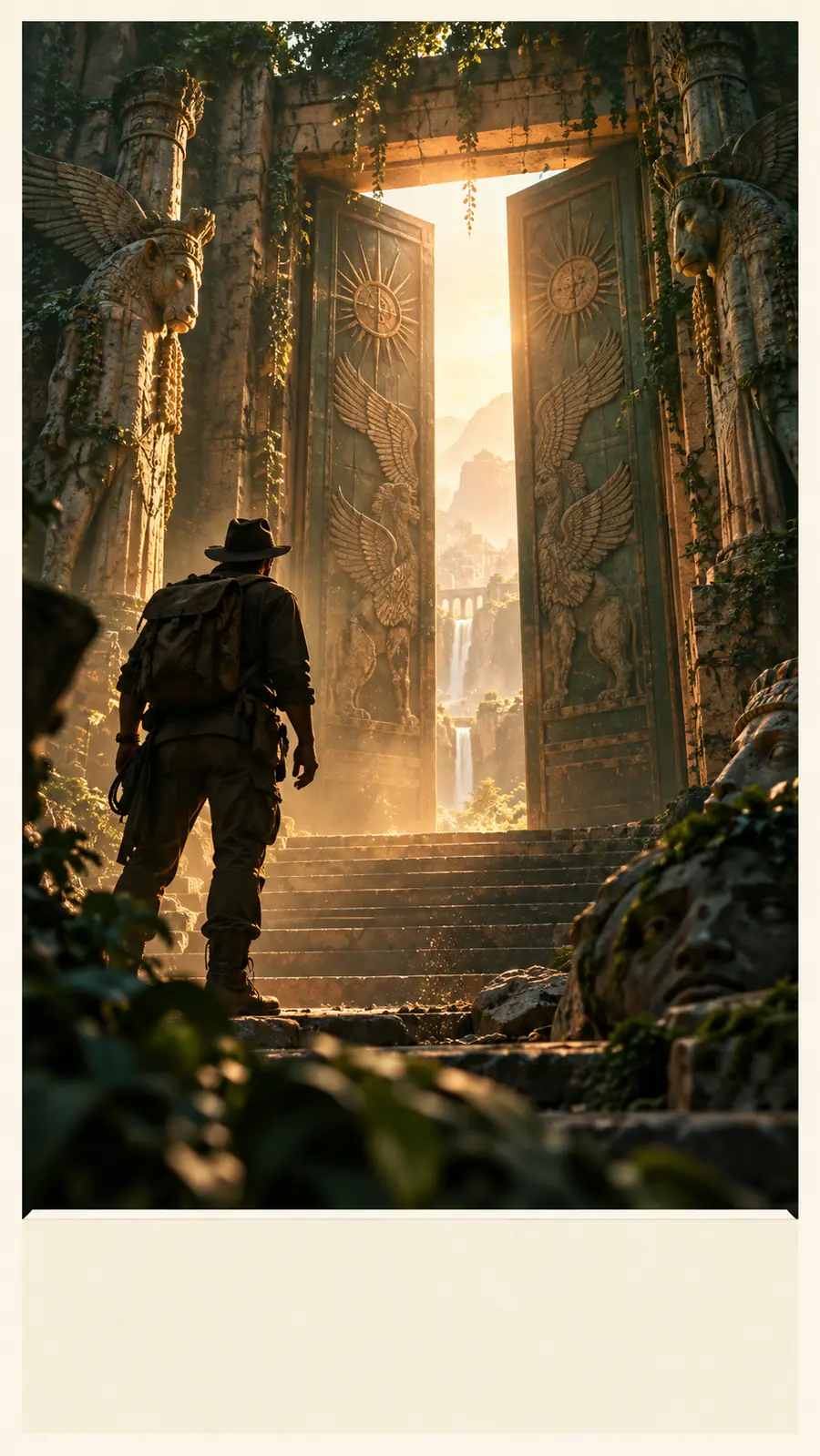 Scene-first concept
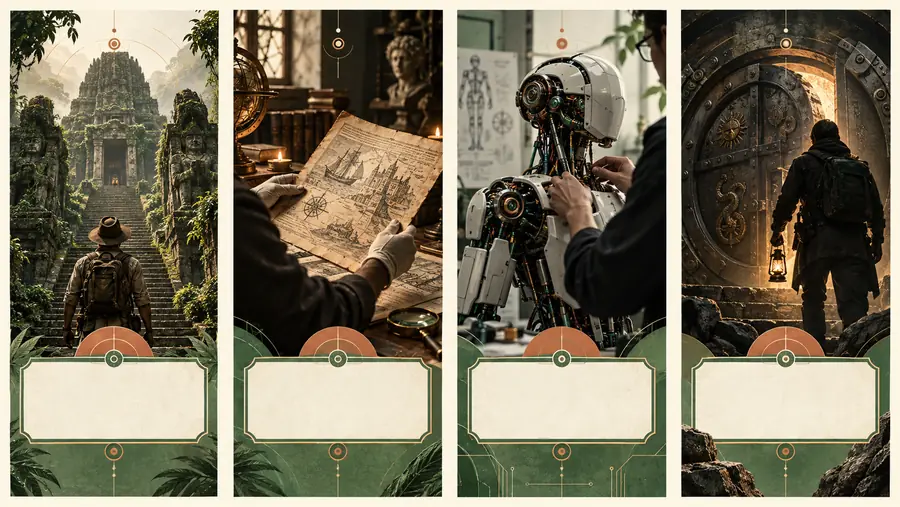 Story-led concept
Choose the result you want viewers to understand, then build only the shots and words needed to show it. Review the completed video for accuracy, rights, and readability before sharing.
Create a short videoA screen-recorded tip, a hands-only demonstration, or a short explanation over original footage is a manageable place to start. Choose a subject you can show clearly with material you have permission to use.
No. Captions and purposeful visuals can carry a simple tutorial or demonstration. Narration helps when the story needs context that would make on-screen text too dense.
You can adapt one concept for multiple platforms, but review each version before posting. Check the crop, safe areas, caption placement, audio permissions, and each platform's current rules.
Original footage and artwork give you the clearest control over use. For third-party material, read the specific license and keep a record of any attribution or restrictions.
First check whether someone unfamiliar with the topic can understand its opening, sequence, and takeaway. After publishing, compare audience responses to your own earlier videos rather than treating any sample as a performance guarantee.